Windows application / Demo project
StockDesk
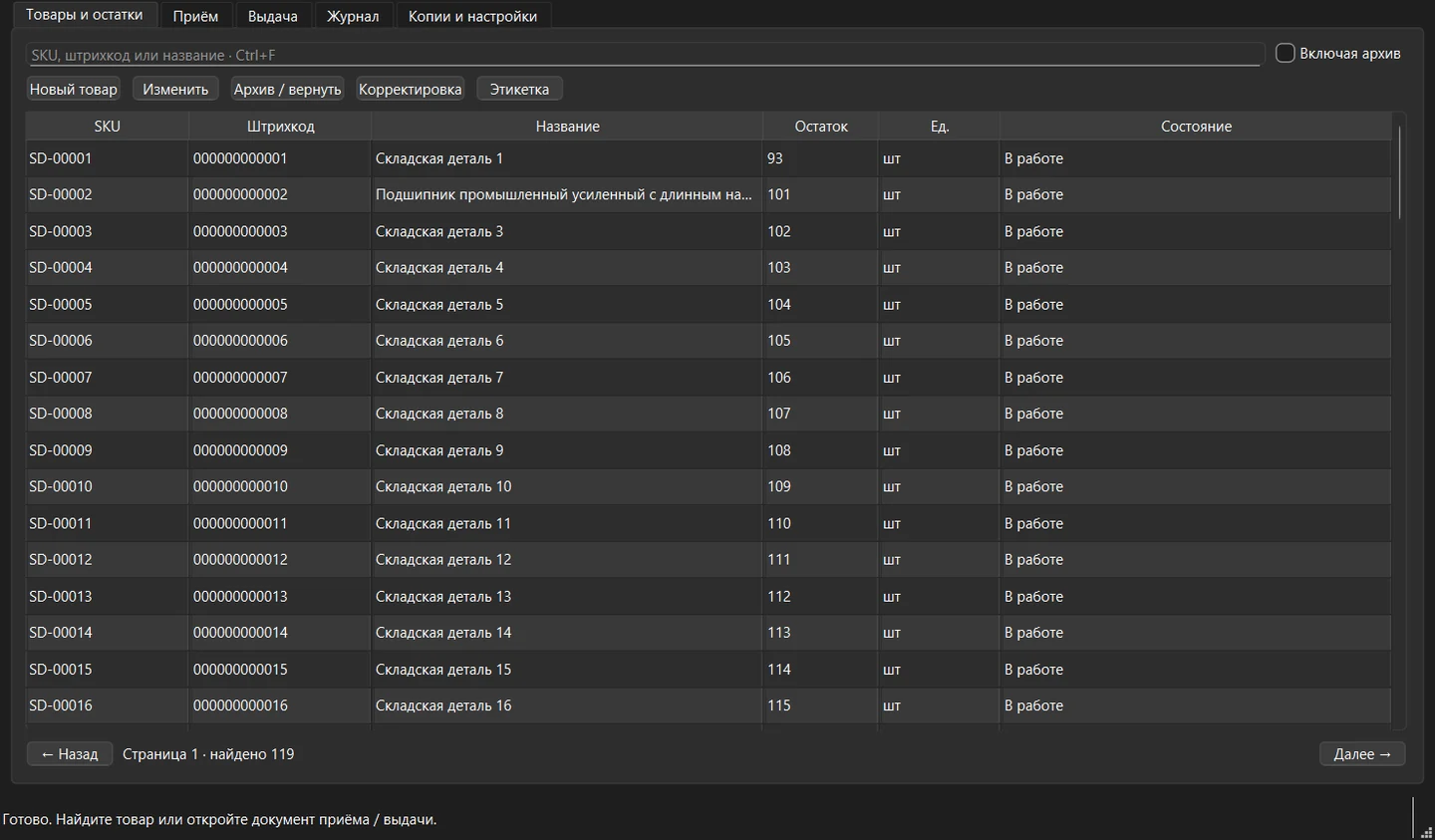
An offline Windows app for a small warehouse, with receipts and issues, barcode lookup, stock history and labels.
The challenge
A warehouse worker needs to find a part, record stock movement and print a label. A second click or a crash midway through the operation must not corrupt the stock count.
The solution
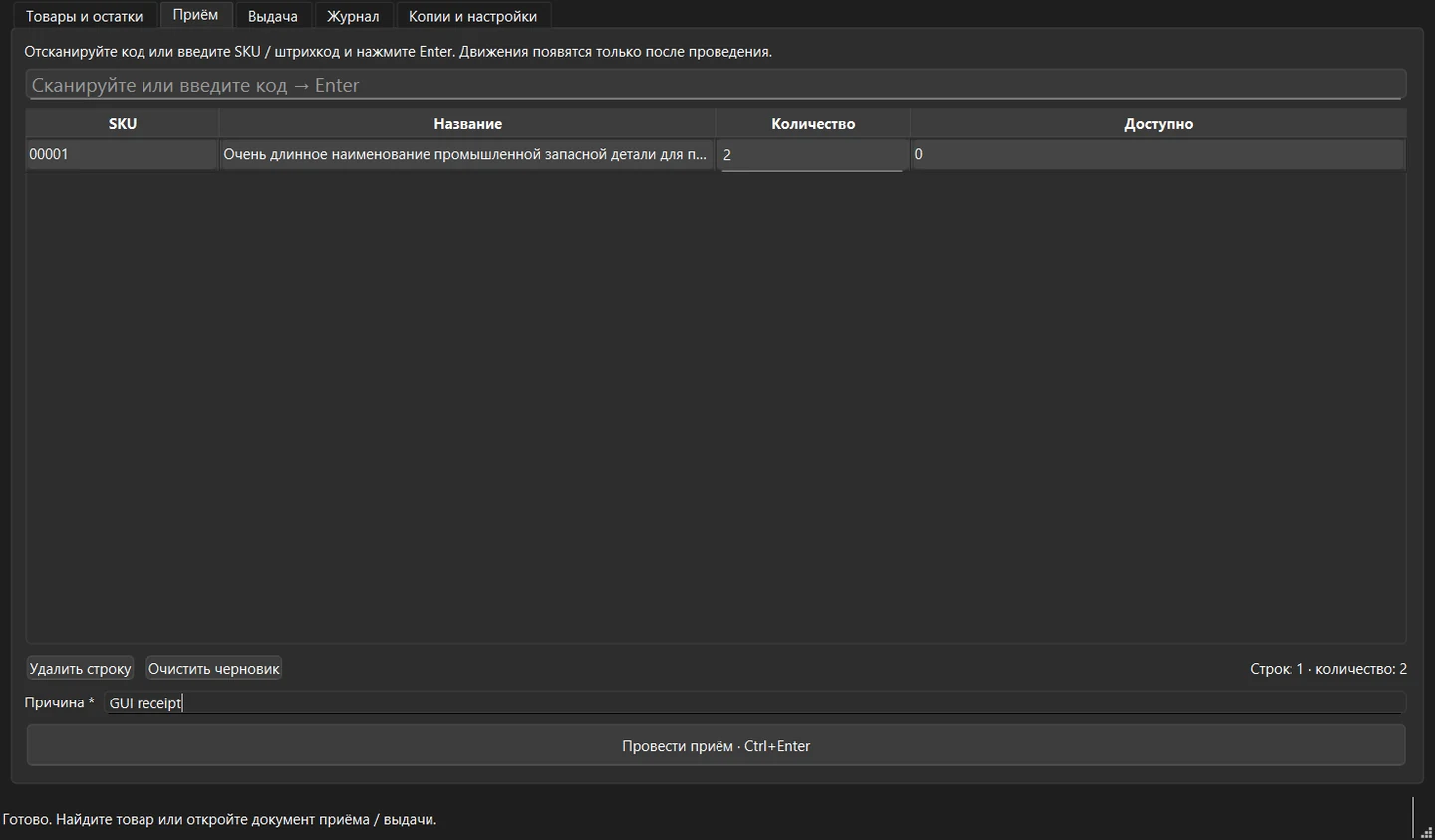
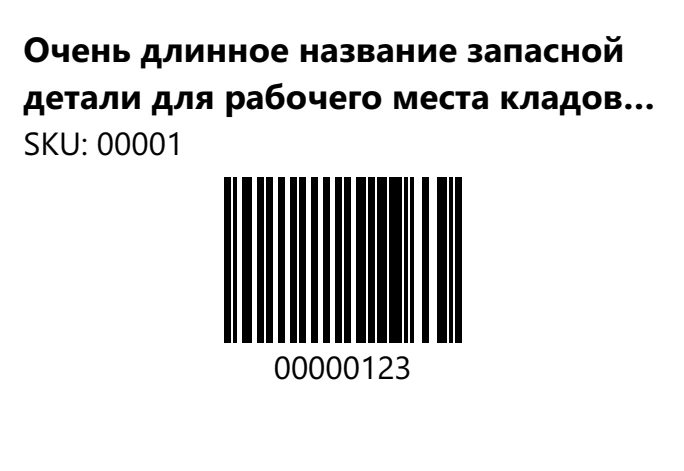
StockDesk provides a catalogue and movement history, posts receipts and issues and generates Code 128 labels. SQLite stores the data locally. The working database can be backed up and restored.
How it works
The outcome
The report records 21 passing Qt tests covering concurrent operations, crashes and restore rollback. The portable build ran twice on Windows 11, and the PDF and Code 128 decoding were verified. Physical scanners and printers were outside the tests.
My contribution
I implemented atomic posting, duplicate confirmation protection, movement history and verified SQLite recovery. Zint generates the labels, and ZXing-C++ checks that the barcodes can be decoded independently.
Architecture
The interface uses a stock operations service to access the local database.
Qt Widgets
The Windows app provides the catalogue, documents, history and labels.
Component connections
- Qt Widgets: The Windows app provides the catalogue, documents, history and labels.
- Stock operations: The service checks stock counts and prevents duplicate posting.
- SQLite: One transaction saves the document and all its movements. The database supports backups.
- Qt Widgets → Stock operations
- Stock operations → SQLite